

The branding resources and tools I’ve put together in this guide helped me become more confident and hugely improve my work. I still use many of them in my client work today, or refer back to them when I’m stuck.
Before we get into the list, though, let’s clear up one misconception. You don’t need a million tools to build a strong brand. Your ability to collaborate and think clearly and creatively matters far more than the tools you use.
Getting started with branding can feel overwhelming. Just start with one of the books below and you’ll realise that it’s all easier to learn than you thought.
I keep this list updated and am very selective about what I include, so be sure to bookmark the page if you find it useful.
Resources to understand branding
Before you pick up any tool, it helps to understand how brands work and why businesses need them. The following books, courses and learning platforms helped me build that foundation.
Books
- Obsessed by Emily Heyward is an easy read with many real-world examples, mostly from D2C brands. It explains how to build a strong identity people can relate to from day one.
- Branding: In Five and a Half Steps by Michael Johnson gives you a practical walk-through of his branding process, from the initial strategy through to the finished design.
- The Brand Gap and Zag by Marty Neumeier are quick and simple reads that bridge corporate strategy and creative execution and explain the power of differentiation.
- Buyology by Martin Lindstrom digs into a three-year neuromarketing study to reveal what’s unconsciously happening in our brains when we choose brands.
- How Brands Grow by Byron Sharp is a deeper read on long-term brand-building. Sharp draws on empirical research to explain why reach and physical and mental availability drive growth more reliably than niche positioning or loyalty alone.
Courses & learning platforms
- Skillshare was a goldmine when I first started as I found everything—from strategy to copywriting. I particularly liked Mark Pollard’s Introduction to Branding.
- The Futur was another resource I relied on early on. I completed a few of their courses and especially recommend their typography and lettering classes—but maybe that’s only because I love typography so much.
- Domestika is affordable and offers fairly short courses you can fit between projects. I completed a few different branding courses here to see how different studios approach it.
Podcasts
I’m not a big podcast listener, but if I could recommend only two, it would be these.
- Let’s Talk Branding with Stef Hamerlinck features conversations with a lot of interesting people from the branding scene. The podcast is worth a listen. He stopped recording new episodes, but the archive is full of insights.
- On Strategy Showcase offers an insight into the strategies behind some of the most well-known campaigns and brands. While these are global brands rather than small businesses, I find them quite inspiring.
From my blog
- Branding for small businesses is a comprehensive overview of what goes into a brand.
- My brand glossary would be helpful if you’re still confused about the branding terminology.
- These alternatives to branding books might be interesting to further shape your thinking.
Brand strategy tools
If you skip the strategic planning stage, no tool will save you later. So before designing anything, I make sure I understand my client’s business, its market, what sets it apart, its target audience, and how to reach these people.
Asking good questions, listening closely, and spotting patterns are more useful here than any book or piece of software.
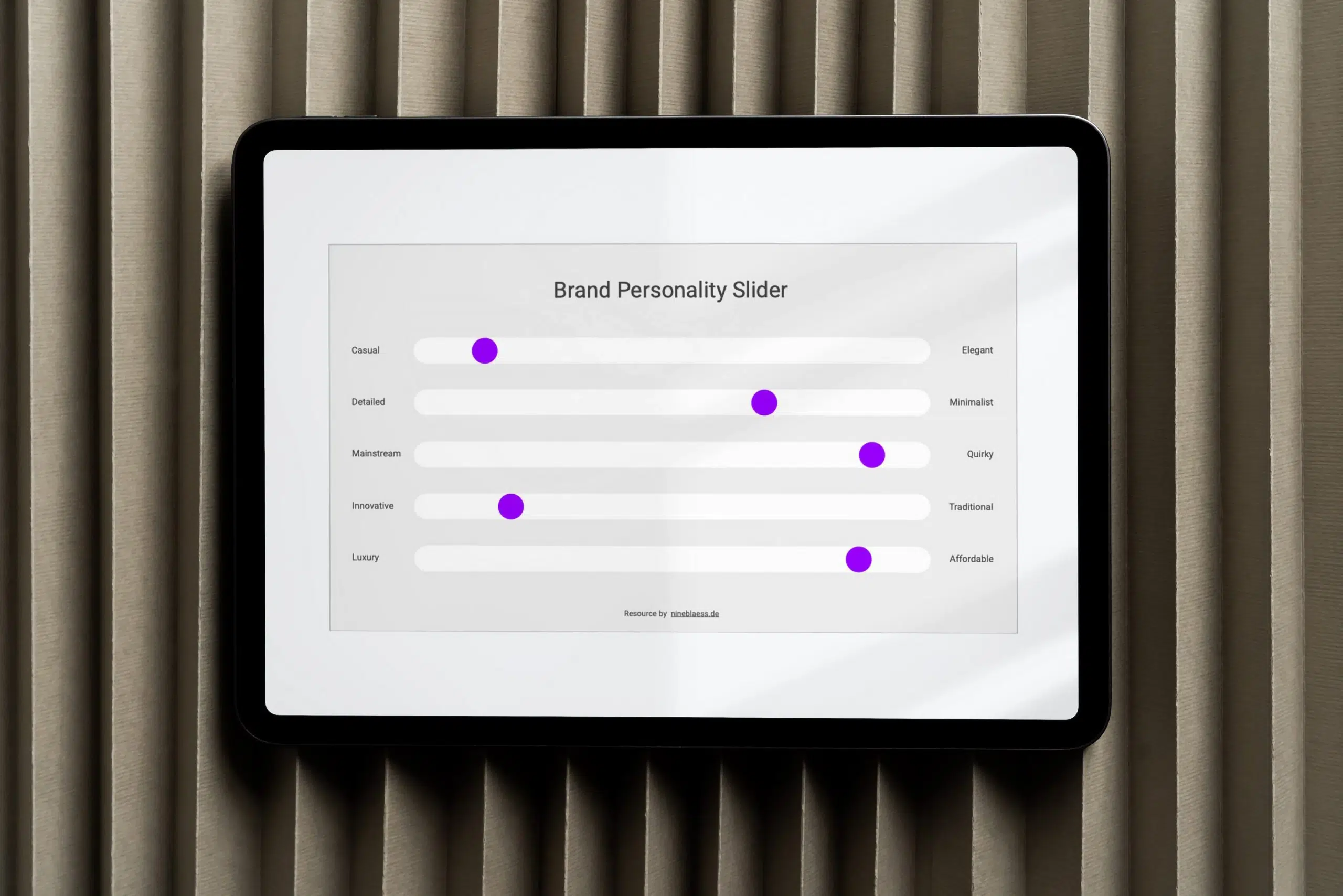
Running a brand strategy workshop
I have used Google Workspace for years, mainly because it’s free and accessible by everyone, regardless of their operating system. But as long as your process feels professional and delivers results, clients don’t care what software you use.
- Google Meet is what I usually use to run my workshops. It’s free for one-to-one calls and it lets me share and work through exercises with the client on screen in real time.
- Google Slides is also great for a workshop session as you can create a template to fill in as the client speaks.
- Miro is a more polished alternative to Slides. I’ve used it before, and it’s excellent for visual thinkers and brainstorming things like customer journeys. Still, the extra cost seems unnecessary for my small-business clients when Google Slides does it for free.
Research & trends
Reading forums, Amazon book reviews and social media comments usually beats any tool at this stage. But there are a few I turn to now and then.
- LSN Global, TrendWatching and WGSN are useful for exploring consumer behaviour, emerging aesthetics and cultural shifts. You don’t have to pay for all their reports to get value out of these platforms.
- The Sociology of Business is one of the few newsletters I actually read. Ana’s background in sociology gives her an interesting perspective at the intersection of trends, brand, business and culture.
- AnswerThePublic can help map the questions and phrases people actually search for around a topic.
- Statista or Google Trends can both back strategic decisions with data.
- Claude and Gemini are useful sparring partners. I use them, for example, to understand industry dynamics or test an audience scenario against what the client assumes people want.
- Google Sheets is useful for compiling findings like a competitive analysis that compares offers, pricing, visual style and messaging side by side.
Thinking and writing up the strategy
The last step of the strategy phase is putting everything together into one document. That usually requires some thinking and the right words.
- Sweathead has some solid courses and an active community around strategic thinking, though the summer school I completed myself isn’t available anymore.
- DeepL Write is a tool I use almost daily. When I’m writing a strategy, finding exactly the right words matters. I use it for shortening or rephrasing sentences and adjusting the tone. I tried Grammarly Pro for this, but prefer DeepL. I still use Grammarly to spell-check the final version.
- Google Docs is where I put everything together: brand positioning, tone of voice, values, audience personas and whatever else matters for the brand.
From my blog
- You might also like this article, which explains my brand strategy process in more detail
- My brand positioning guide explains how to best approach positioning as a small brand
- 20 brand positioning examples might inspire your own.
- How to run a brand audit is a good read when you’re working on a rebrand.
Naming, taglines and trademarks
A good brand name needs to be available as both a trademark and a domain name. These platforms can help you verify its availability.
- Instant Domain Search is the quickest way to test if a domain name is available.
- WIPO Global Brand Database, EUIPO or USPTO are useful to check before you fall in love with a name, to make sure it’s legally available in your industry and region.
From my blog
- I’ve broken down the full brand-naming process in this article.
- Find out what a tagline is and how to write one, or browse 50+ iconic tagline examples to get inspired.
Copywriting and brand messaging
While your visual identity makes people notice your brand, it’s your copy that makes them trust you. Personally, I find good copy so important for brands that I started writing my clients’ copy myself rather than hiring a copywriter.
The books below are less about writing technique than about psychology and persuasion.
Books worth reading
- Wired for Story by Lisa Cron explains the cognitive science of narrative and structure.
- Ogilvy on Advertising by David Ogilvy makes the clearest case for direct, benefit-driven writing over clever sounding copy.
- Alchemy by Rory Sutherland is a great read in behavioural economics—and how best to frame certain thoughts.
- Thinking, Fast and Slow by Daniel Kahneman unpacks the two systems of thinking that shape how people make decisions.
- Contagious by Jonah Berger breaks down why some ideas go viral by tapping into six principles that make people want to share.
Editing tools
- DeepL Write is brilliant for shortening or rephrasing sentences and adjusting tone, like I mentioned before.
- Grammarly is best for checking spelling and grammar.
- Hemingway Editor helps you strip out jargon and unnecessary complexity, sometimes worth using.
Identity design tools
Once the strategy and verbal direction are in place, it’s time for the design process. This stage is often messy. I might sketch by hand, switch to Illustrator, or look for inspiration on Pinterest or while out walking.
No tool can simplify that process. But here are the tools that help me once I’m creating the visual identity.
A book worth reading
Building Distinctive Brand Assets by Jenni Romaniuk helps you understand how to create, and later apply, the visual cues that make a brand instantly recognisable.
Inspiration
- The Dieline is one of the best-known publications focusing on packaging design, form, material, and shelf presence.
- BP&O features branding work from agencies around the world.
- Identity Designed, curated by David Airey, showcases more clever branding projects.
Colour tools
Colour evokes emotion, builds recognition and signals where you sit in the market. These are the tools I find useful when designing a brand colour palette.
- Coolors is my go-to for generating palettes. You can lock colours, adjust shades, save favourites, and it names each colour, which is genuinely useful when writing brand guidelines. It also has a built-in contrast checker.
- Adobe Color is great for building palettes based on colour theory, or for extracting a scheme from an image.
- ArtyClick Colour Name Finder gives several name options per colour so you can match your brand’s tone.
- Eva Design System Colour Generator turns a few base colours into full, usable colour scales. It’s handy if you’re working on a branded website or any UI.
From my blog
For the full process, read how to create a brand colour palette that doesn’t fall apart.
Typography tools and font foundries
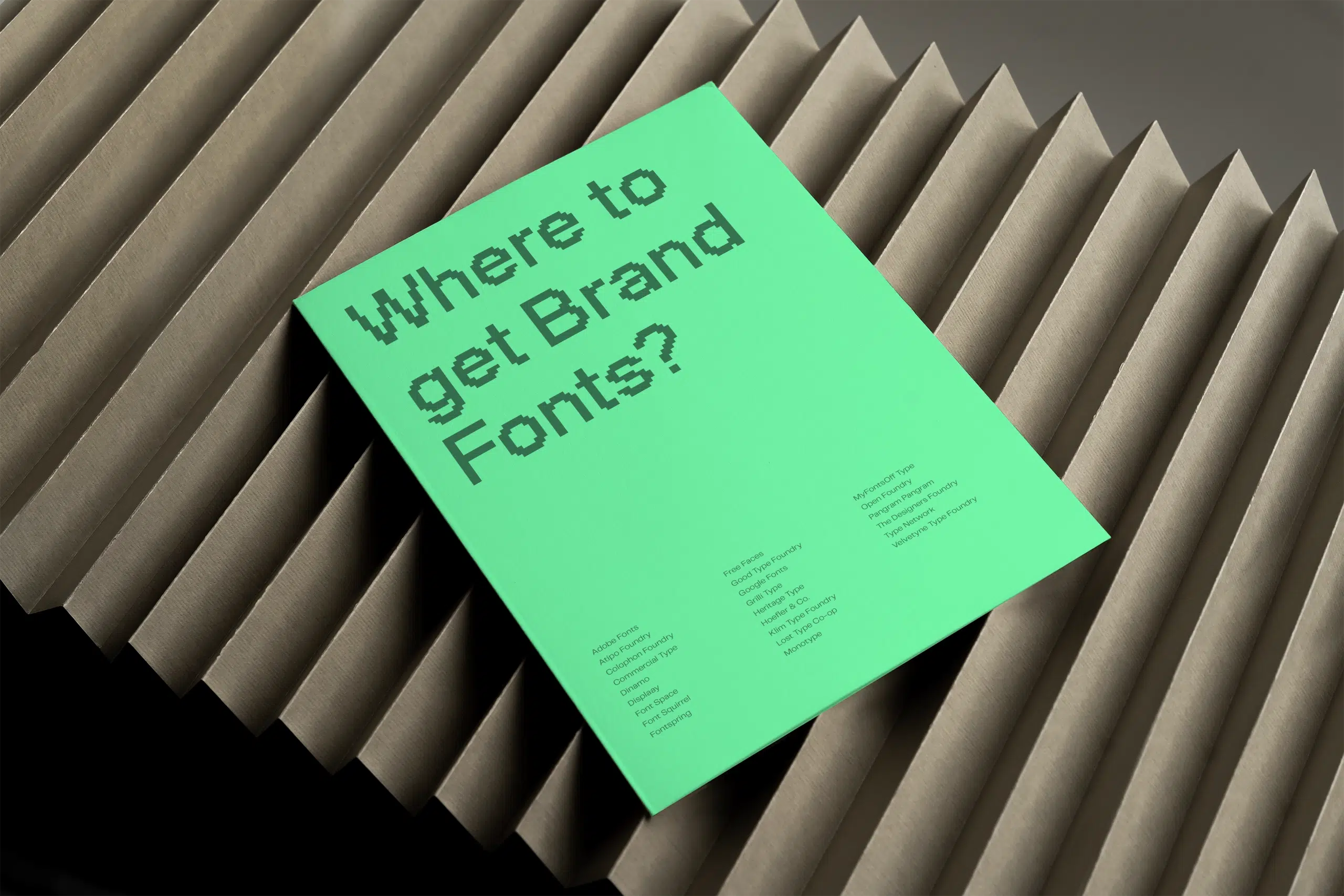
Typography shapes how people feel when they interact with a brand, and it’s one of the best ways to make a brand look distinctive and professional. Here are some font foundries I recommend:
- Independent foundries like Displaay or Pangram Pangram
- Curated marketplaces like MyFonts or YouWorkForThem
- Budget-friendly and open source options like Google Fonts or Atipo Foundry
- Independent creators like Typographische
If you’re wondering how to choose, pair and size fonts properly, these resources help.
- TypeScale calculates a consistent typographic hierarchy. Enter your body text size and it recommends matching heading sizes, based on ratios like the minor third or the golden ratio.
- Fonts in Use is an archive of typography in the wild—from packaging, editorial, signage and digital interfaces to branding. It’s categorised by typeface and industry.
- The Flawless Typography Checklist by Typewolf was not cheap, but the single best typography investment I made.
From my blog
- Find everything you need to know about choosing brand fonts here.
- This is a full list of the best websites to find fonts for your brand.
- This article shares typography tips that instantly improve your designs.
Stock photography
Whenever possible, I recommend investing in a photographer and custom images. When the budget is limited, stock photos can communicate personality and emotion without an expensive and time-intensive photoshoot.
- For free images: Kaboompics, Unsplash and Pexels
- For mid-range budgets: Bendito or Stocksy
- For premium budgets: Stills and Death to Stock


From my blog
For the full breakdown, you might like my listicle with the best stock photo sites to find authentic brand images.
Icon resources
Brands that need to communicate a lot of information, or that don’t have custom photography or illustration, might need icons.
I like designing custom icon sets, but small-business clients don’t always have the budget for it and that’s when these libraries come in handy:
- The Noun Project is the largest, most diverse collection but requires attribution or a licence.
- Google’s Material Symbols and Icons is open-source and functional, which makes it best suited to interface design rather than expressive branding.
- Lucide is a developer-friendly library of over 1,000 icons. Again, it’s best for interface design, though.
- Heroicons, like Google and Lucide, also offers minimalist SVG icons built for modern design systems.
Client experience and delivery tools
Last but not least, even the best strategy and brand identity will be ineffective if they’re not documented properly. Only then can clients and future team members understand and apply them.
Staying organised and handing off
- Notion can store your schedules, client notes and deliverables in customisable dashboards for each client. I have used it before, but as I only ever take on one or two projects at a time, I find it too much of a hassle to add an additional tool. It’s certainly useful if more people work on the brand.
- Trello is a lighter, card-based board for tracking to-dos. It has its uses, but I now make lists in Google Docs if I need something from the client. It keeps everything in one place.
- Loom is great for short video walkthroughs when a concept is hard to explain in writing and you don’t want to schedule a call.
- WeTransfer is best for sending files to review, while Google Drive or Dropbox work better for finished designs and ongoing access. I usually hand off a Dropbox Folder and give my client a few months before deleting it and making space for new projects.
- Canva will be used by many clients, which is why I’m open to building branded Canva templates they can use if needed. It keeps them from breaking my designs and keeps their budget under control.
Mockups
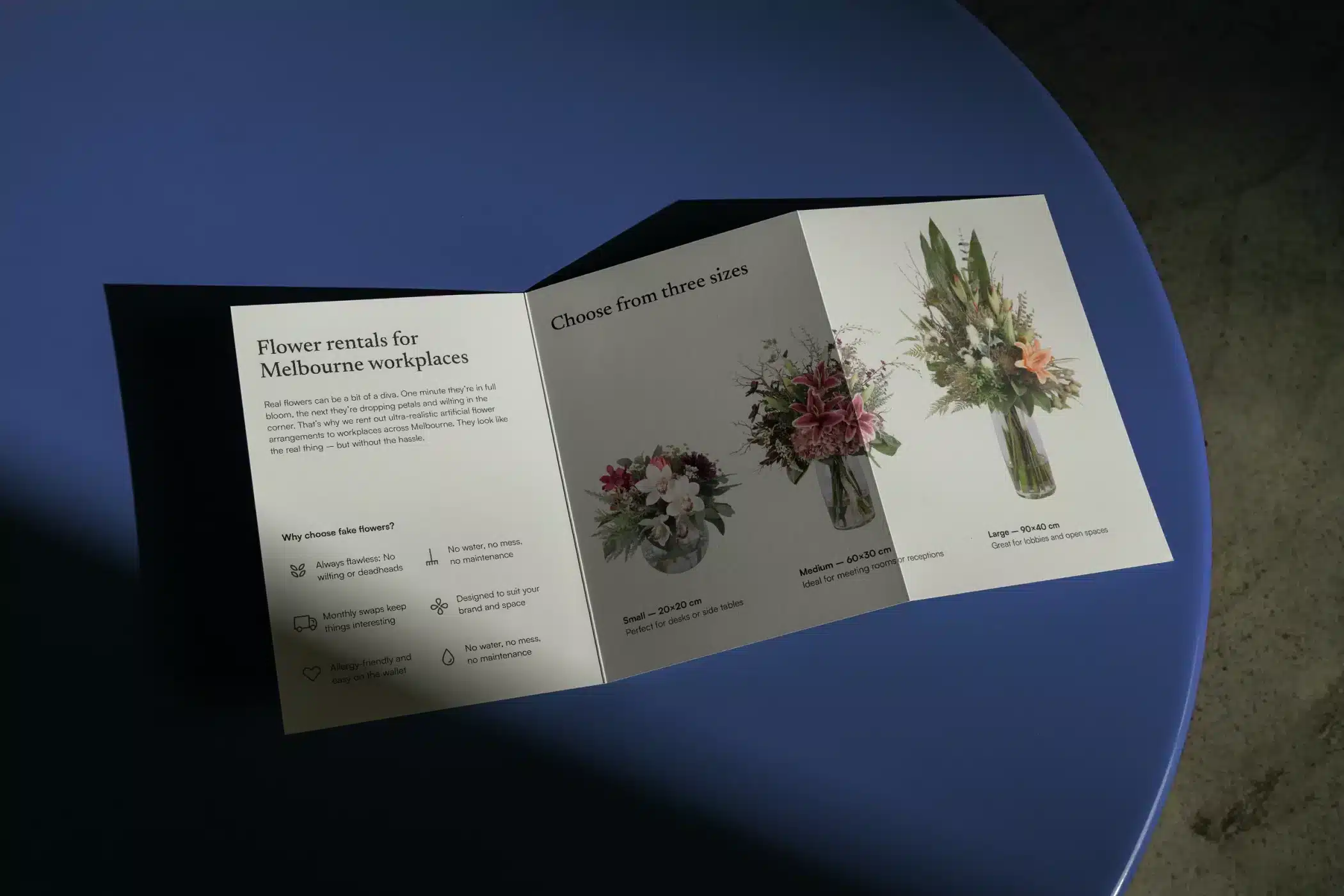
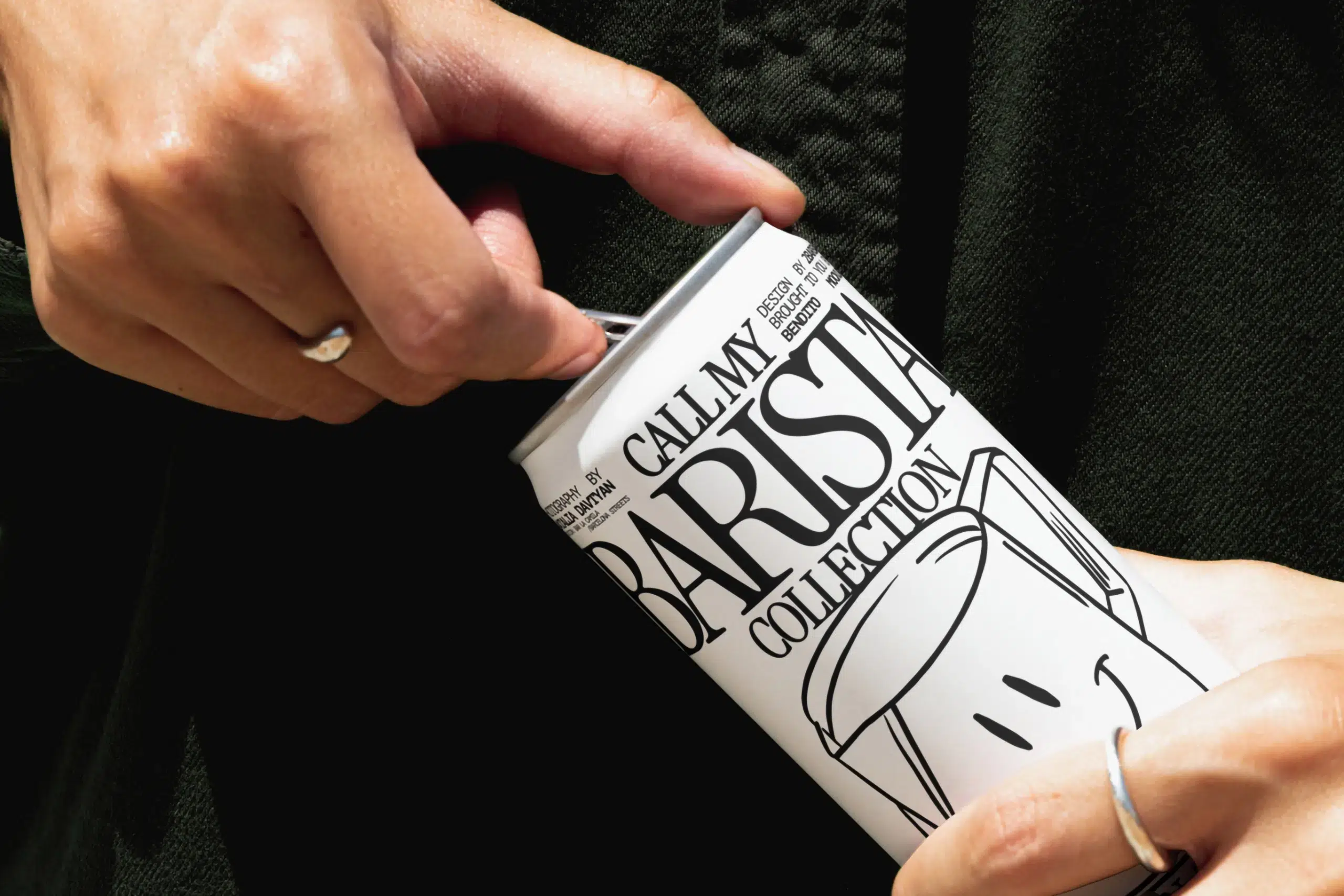
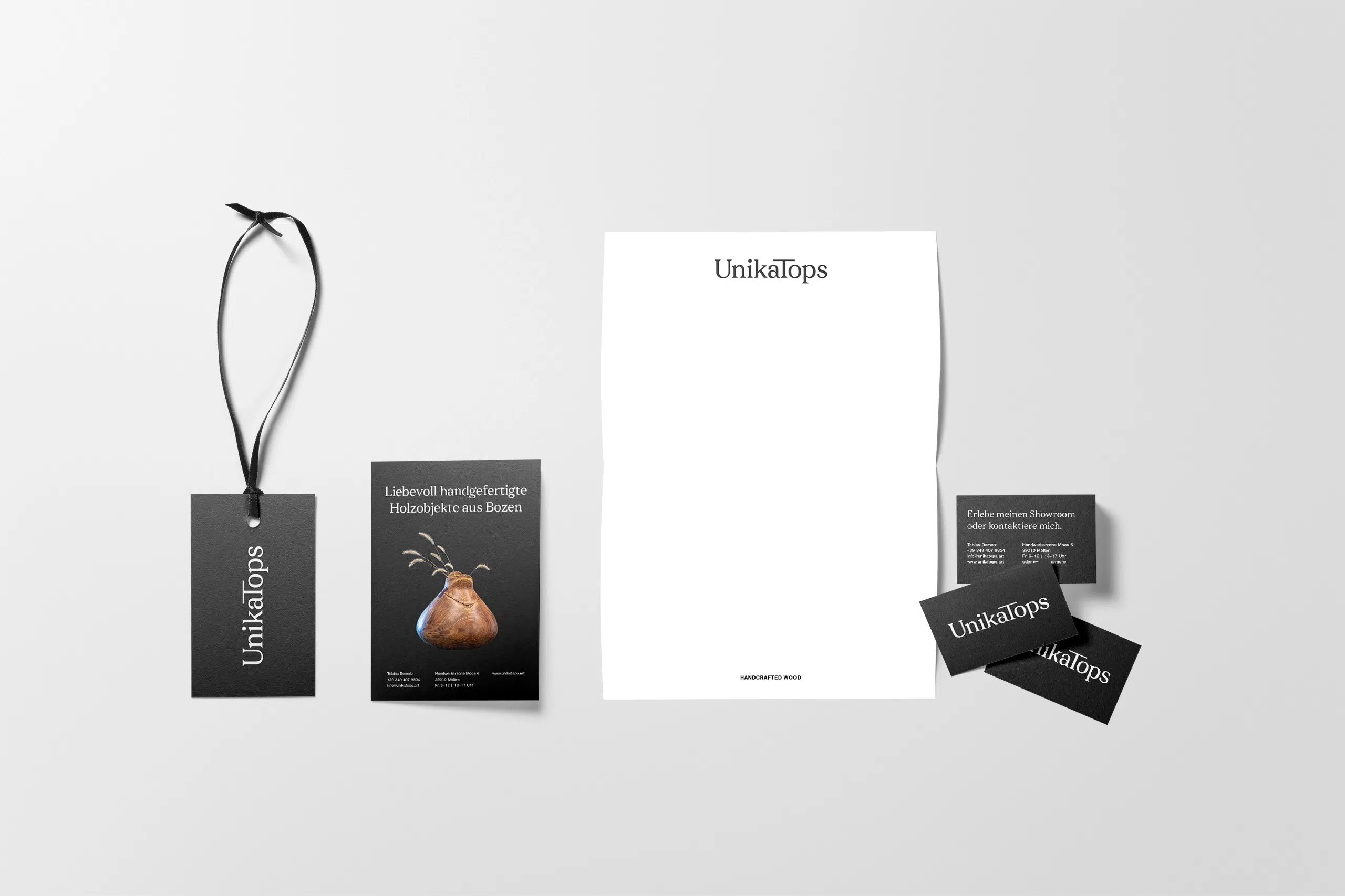
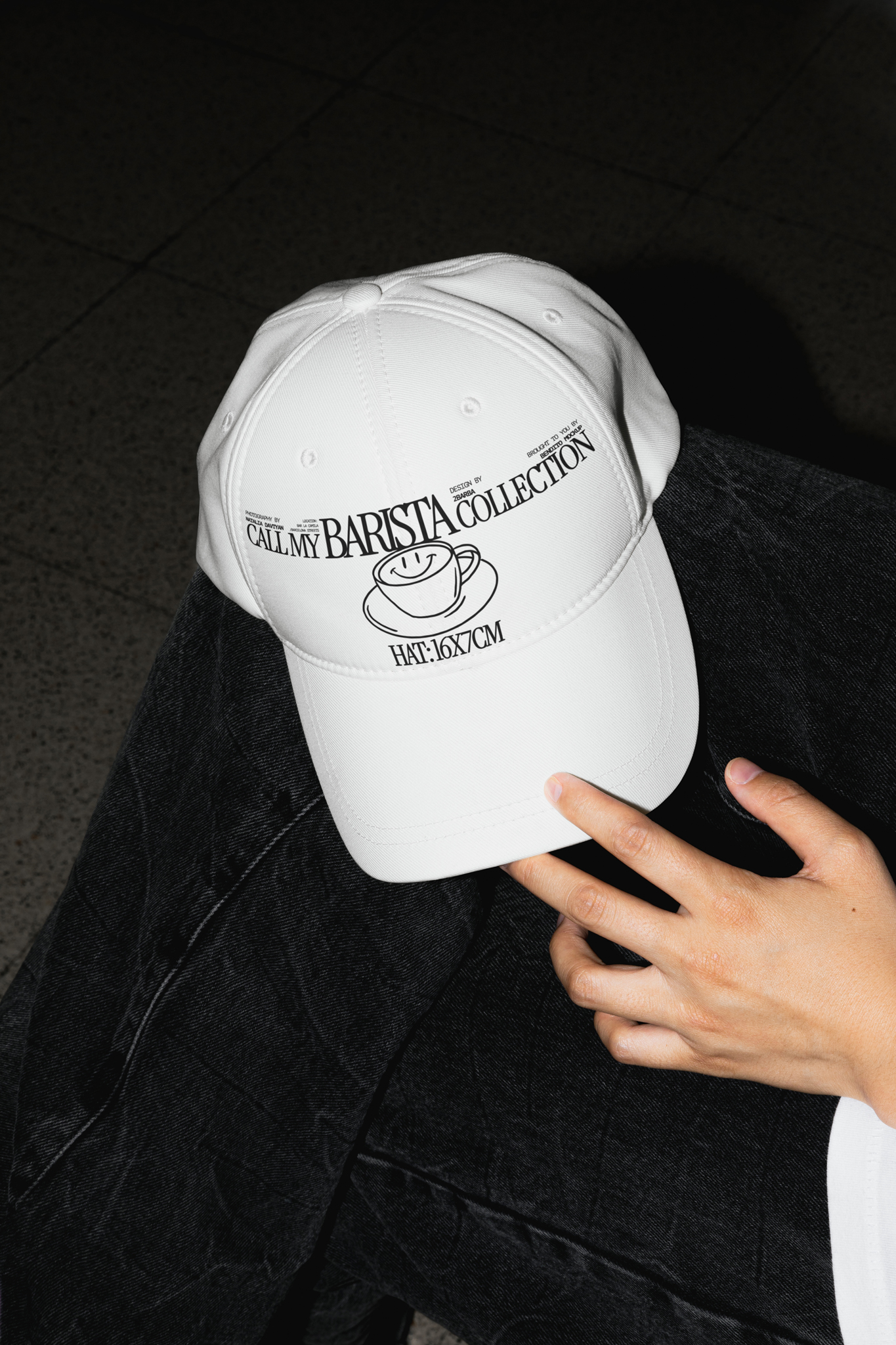
I’m a big fan of mockups for testing designs in the real world. Rather than printing everything right away, you can test applications out first. They’re also useful for visualising what the brand could become.
These are some of my favourite places to find mockups:
- Bendito offers perfectly imperfect styled scenes. Use code NINE20 for 20% off.
- LS Graphics has clean, modern mockups that work in both Figma and Photoshop.
- Moyo Studio offers sophisticated mockups that fit beauty and lifestyle brands. Use code NINE15 for 15% off.
- Wannathis has clean 3D scenes for quick presentations.
- SédShop.Co has minimalist mockups that don’t overpower your design.
- Darkroom has beautiful, highly customisable packaging mockups.

From my blog
- You’ll find a full list of websites for premium mockups in this article.
- And I’ve compiled some decent sources for free mockups here.
Brand documentation
The best way to document your branding is through brand guidelines.
- The branding guidelines archive lets you access plenty of brand guidelines, which is useful for inspiration.
- Tools like Frontify, Corebook or Brandpad are cloud-based brand guidelines storing logos, assets, and templates in one system. They’re ideal when handing a brand over to a larger team. I haven’t used any of them yet, as I am usually the only designer after I hand the branding off and I then offer ongoing support whenever they do need any brand collateral designed.
From my blog
You can find an article I wrote on how to create useful brand guidelines, here.
Wrapping up
The best tools won’t build a brand for you, but they’ll make the process considerably more efficient. Just pick a few branding resources and tools that work for your process.
If you’re an entrepreneur looking to hire someone for your branding or do it yourself, I’ve written a comparison of branding agencies versus freelance brand designers that might help you decide.
Title image by Anna Shvets
Note: A few of the links in this guide are affiliate links, which means I may earn a small commission at no extra cost to you. I only ever recommend what I stand behind.